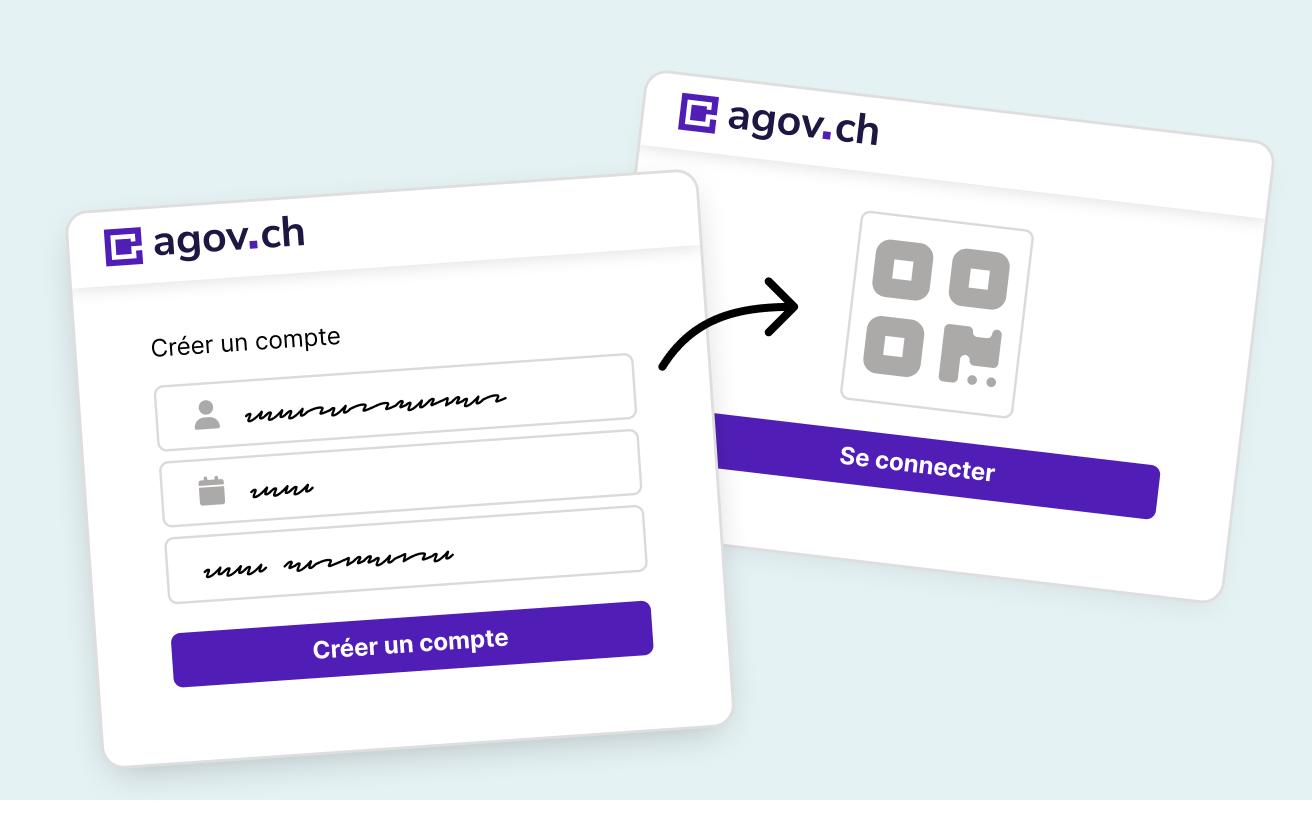
The State Council of the canton Fribourg has decided to provide the population of Fribourg with AGOV, a new authentication system. AGOV is a sovereign and Swiss solution developed by the federal government. The login meets the security requirements of data protection legislation and offers the advantage of integrating seamlessly with the national digital identity or e-ID. Follow the instructions below in the order listed to create your AGOV login and log in to the eGovernment Portal.
Log in to the eGovernment Portal
Create an AGOV login
IMPORTANT
Make sure that these requirements are met before you begin
It should not take you longer than 10 minutes to create your AGOV account. Please read the following requirements carefully to ensure that your account is created successfully.
- You must have a compatible mobile phone and keep your recovery codes in a safe place (necessary if you change your phone later or if you lose it)
- Download the AGOV access app from the Apple Store or Google Play . To protect your data, this app requires your smartphone screen to be locked.
- In case your phone is not compatible, you can use a FIDO2 security key .
How to create your login
- Open the link create an AGOV login and click on “Start”.
- We recommend that you use a private email address (this will save you from having to repeat the process if you change your job. Statistics show that a private address tends to last longer than a work address these days).
- Enter the code that was sent to the email address you chose.
- Enter your personal details.
- If you use a mobile phone, open the AGOV access app which you can download on Google Play in the Apple Store . Click on “confirm the selection”.
- Scan the QR code displayed on the screen. You can then choose between entering a PIN code each time you log in or using biometric identification, for example with FaceID (facial recognition, often the preferred method as it is the simplest).
- The screen displays the name of the registered device for your information. You can read it and click on “Continue”.
- Click on “Reveal recovery code” and save this code (download or print the PDF file) in a place that only you have access to. This code will allow you to keep your AGOV login when changing mobile phones, saving you from having to repeat this procedure.
- Enter the recovery code and click on “continue”.
- Enter your mobile phone number so that you can more easily recover your AGOV account if you lose your mobile phone or change to a new one.
- Done! You can now proceed to step 2 to log in to the eGovernment Portal.
Log in to the eGovernment Portal
How to log in
When you begin migrating your SwissID login to AGOV, you must already have created an AGOV login. If you have not yet created one, you will need to do so. Instructions for this can be found in step 1.
If you already have an AGOV login, simply click on ‘Start’ below.
Advantages of AGOV
The AGOV login is issued by the Swiss Confederation. With AGOV, users have simple, convenient and secure access to a growing number of online services provided by Swiss authorities. The use of AGOV is free of charge.
- No password to enter—your mobile phone becomes your password thanks to biometric login.
- You can use AGOV to connect to many other authorities in Switzerland.
- AGOV meets the high security requirements of Swiss data protection legislation. Customer identity data is fully protected: it remains in Switzerland, is not sold and is protected from access by third parties. Customers retain control over their data at all times and enjoy complete transparency regarding its use.
- The use of AGOV is free of charge.
Contact
AGOV support request: Online help
Privacy and security policy of the State of Fribourg
The personal information managed by the eGovernment Portal remains unchanged. It continues to be stored in the canton of Fribourg and managed by the authorities. Only your existing user account on the eGovernment Portal is linked to AGOV.