How to register
- Go to egov.fr.ch
- Follow the instructions in the "MIGRATE" section.
Introduction
General explanations
On the left: MIGRATE. If you have an account on the eGovernment Portal and currently use SwissID to log in, simply click on the "Switch from SwissID to AGOV" button to start the process of migrating your account from SwissID to AGOV.
What happens when I click this button?
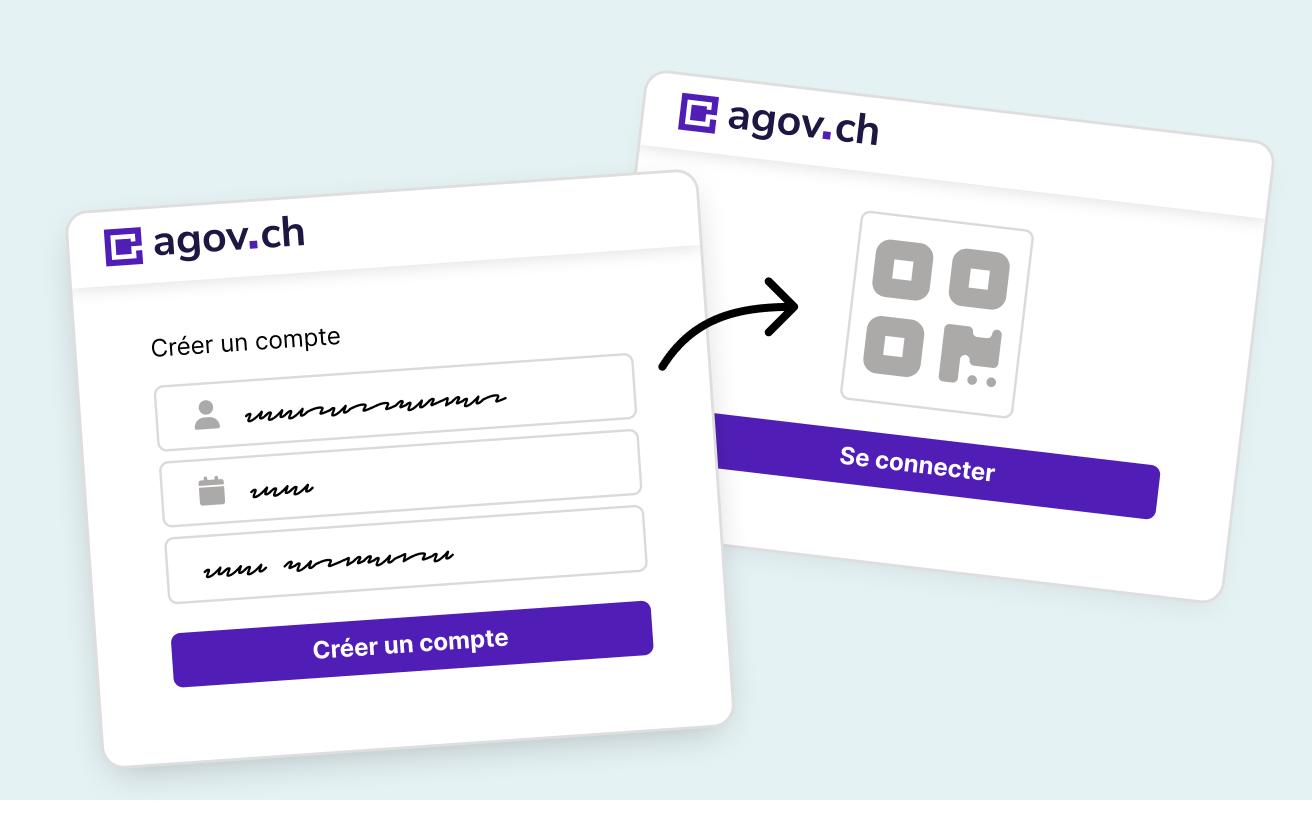
To use the eGovernment Portal, you must switch from SwissID to AGOV for your login. To do this, you first need to create an AGOV login. The process will then ask you to log in using your SwissID credentials to link your account on the eGovernment Portal with your AGOV account. Find out more
Published by Chancellerie de l'Etat de Fribourg
Last modification: 22.09.2026